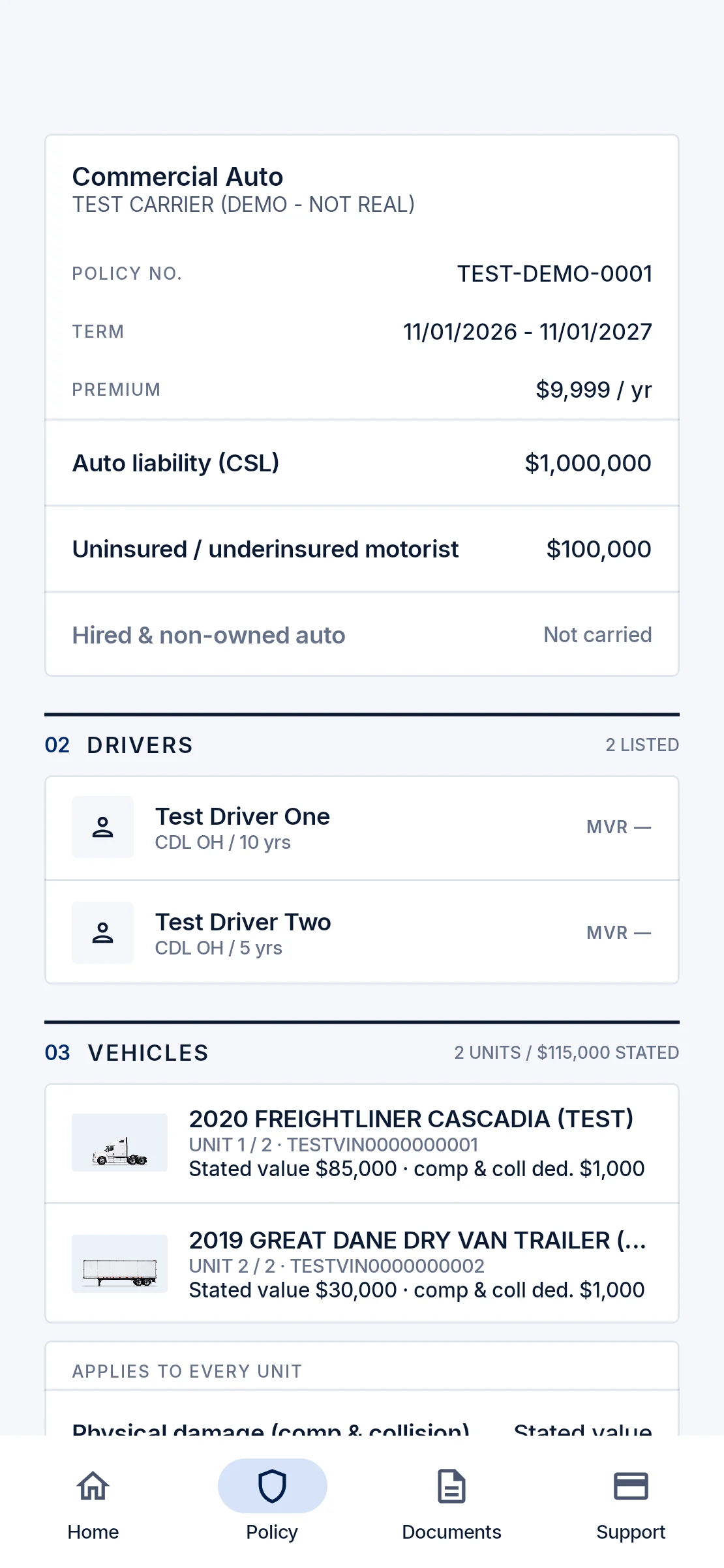
See exactly what you’re covered for.
Coverages, limits and deductibles for every policy, plus the drivers and vehicles on it.

Commercial trucking insurance
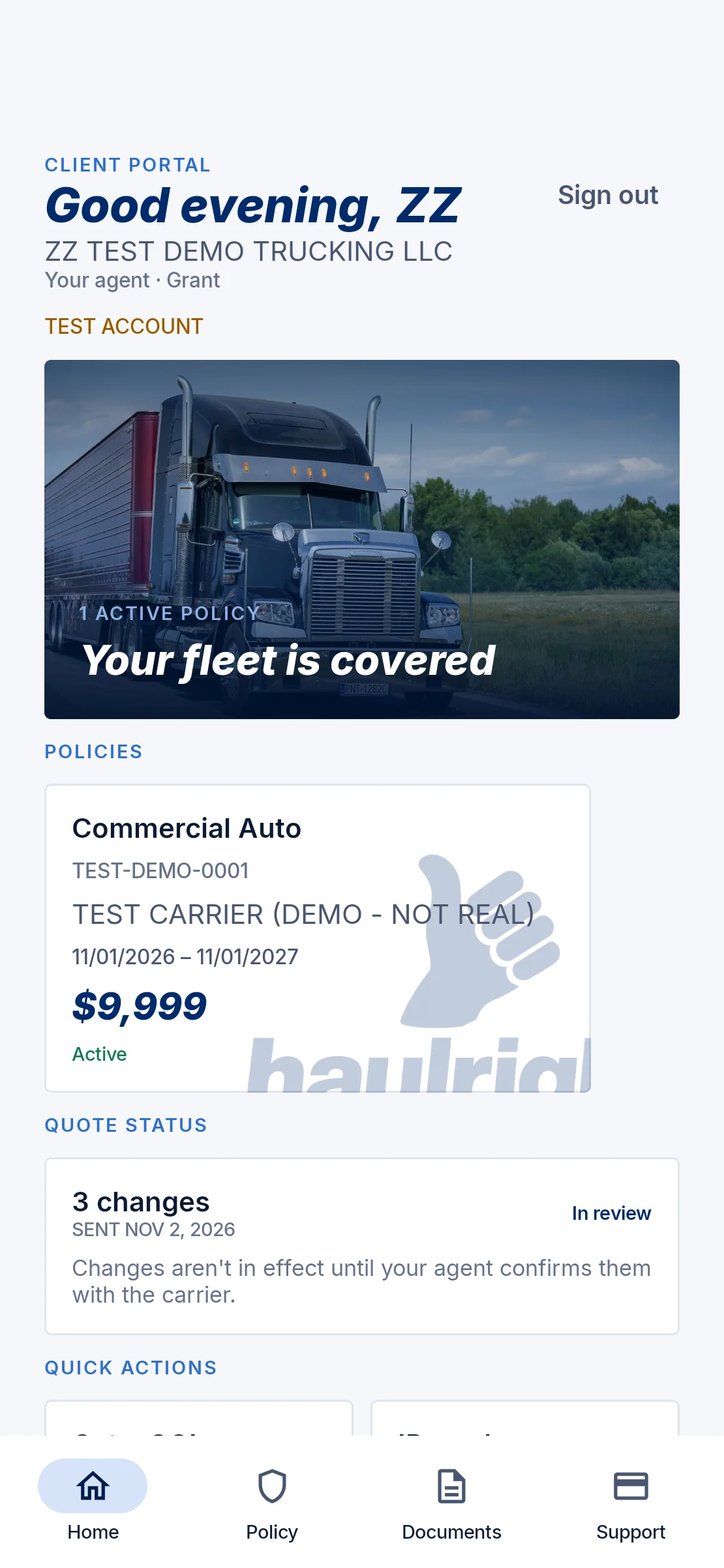
Quote, check and change your coverage from your phone, with your agent behind every step.

How a quote works
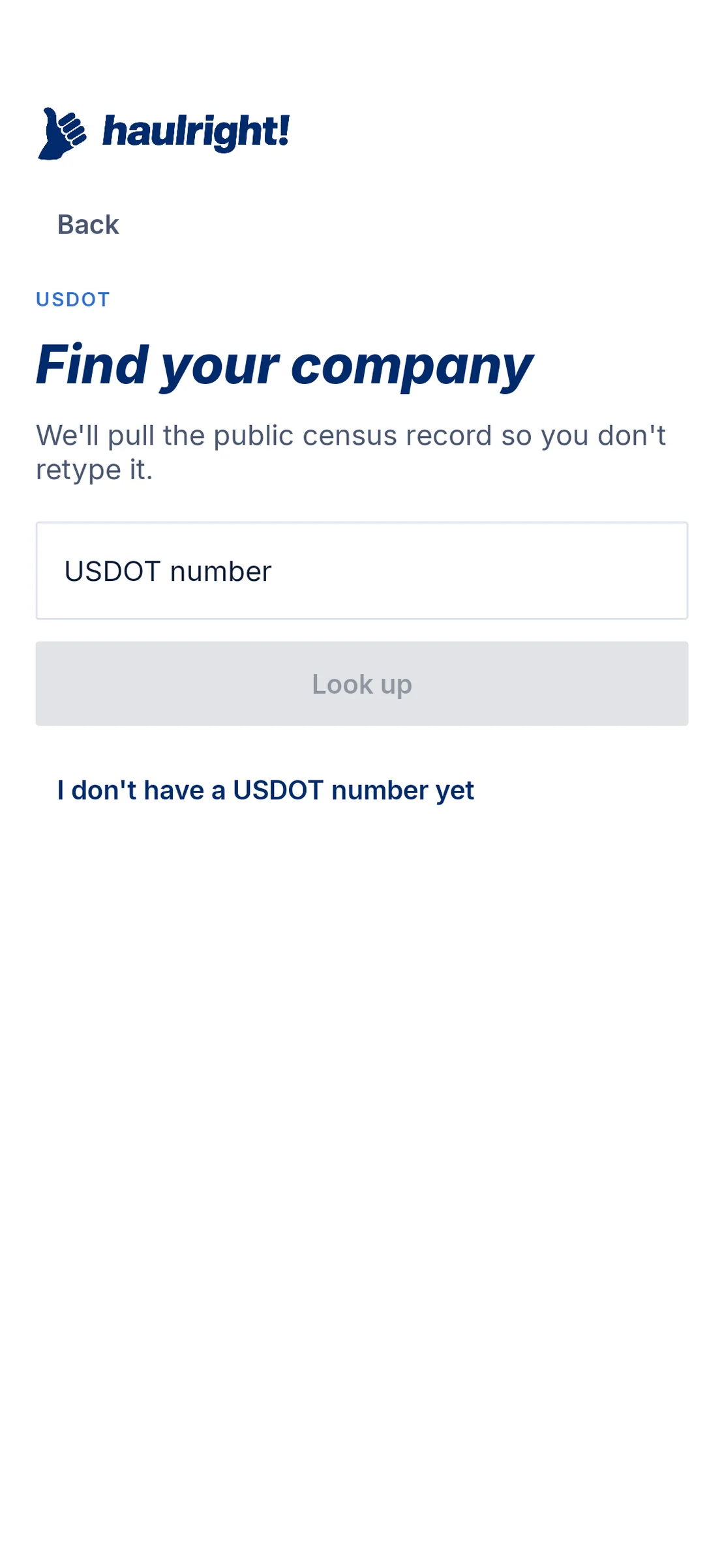
Start a commercial trucking quote with one number. No account needed.
The app looks up your company’s public FMCSA record and pre-fills your trucks, so you only add what’s missing.
Follow-up questions and documents such as loss runs, only when a market asks for them.
See where your quote stands, and get an alert when there’s news.
A quote request is not a binder. Coverage starts only once your agent confirms it with the carrier.
The app
Check coverage, make changes and share proof of insurance from your phone.
Coverages, limits and deductibles for every policy, plus the drivers and vehicles on it.
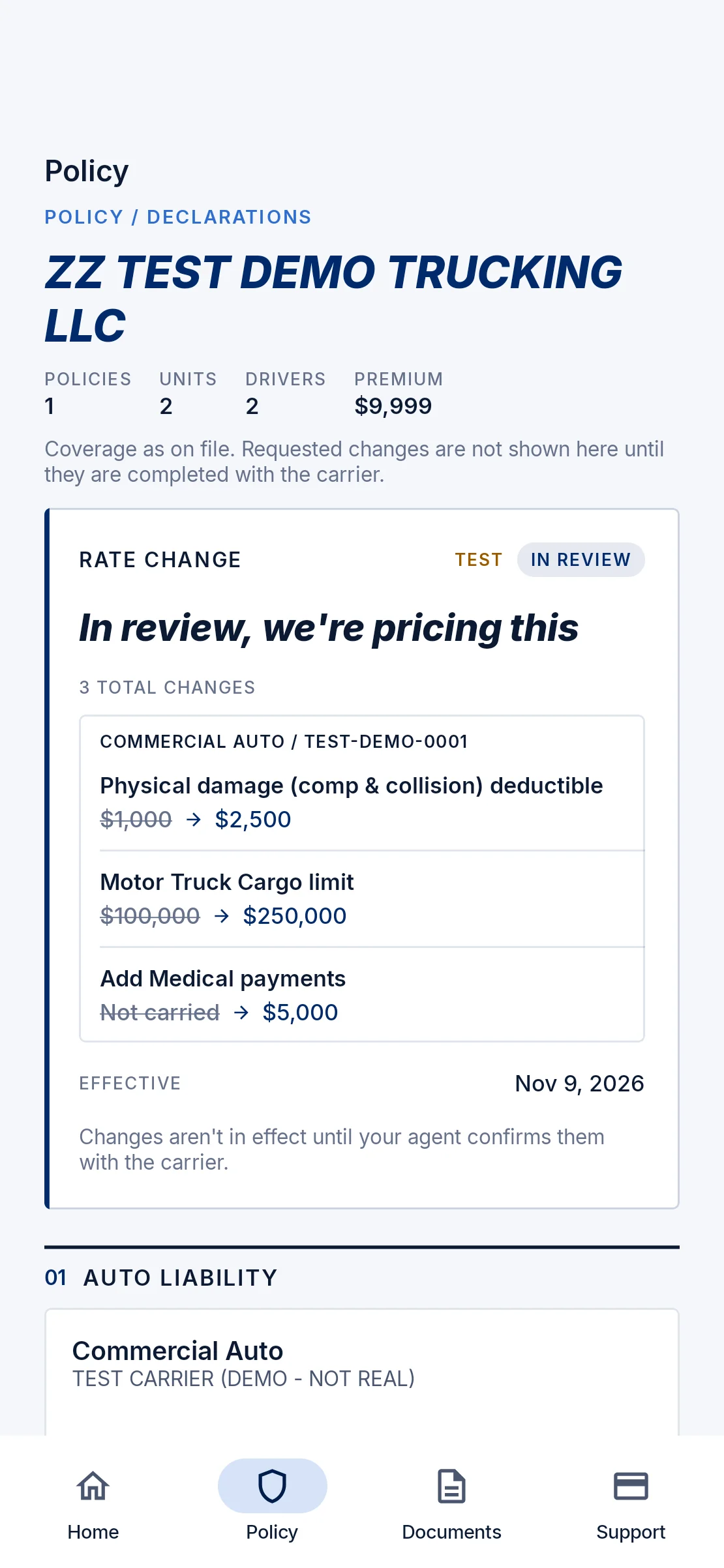
Edit coverages, drivers and vehicles, then get one quote for every change. Confirm or reject the new rate in the app.
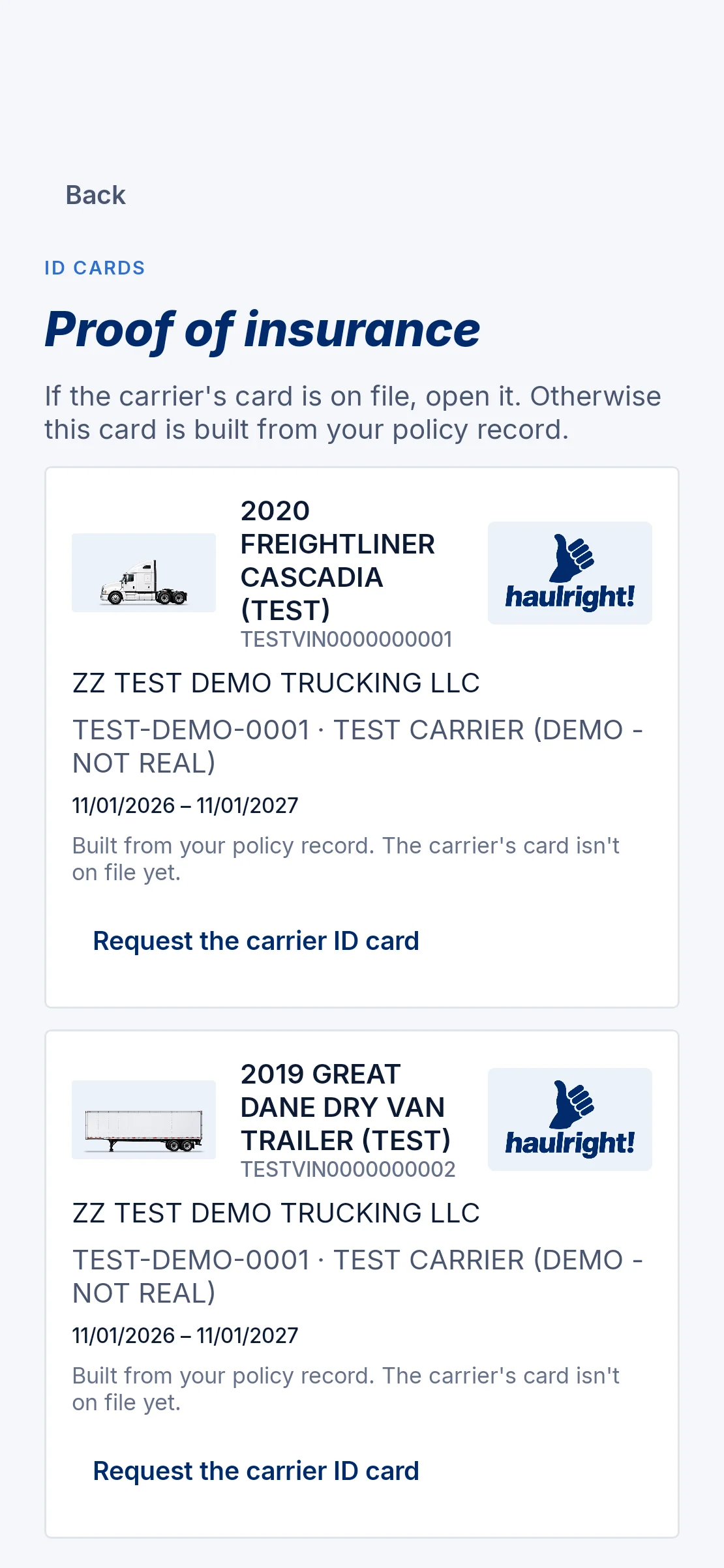
Pick a truck and open its ID card. Request a COI for yourself or a certificate holder.
Premium, payment plan and payment schedule when they’re available. Payments aren’t made in the app.
Message, call or email your agent from the Support tab.
Quotes, requests for information, policy changes and messages from your agent.

Every change you make is reviewed and priced by your agent, and nothing takes effect until they confirm it with the carrier.
HaulRight is a product of Vanguard Insurance Group, an insurance agency in Brunswick, Ohio. Your policies are written by insurance carriers; your agent at Vanguard handles your quotes and changes.
No. New customers can start a quote with their USDOT number without an account. Accounts for existing policyholders are set up by their agent.
The app looks up your company’s public FMCSA details and pre-fills your trucks. You add what’s missing, answer any follow-up questions, and upload documents such as loss runs if a market asks for them. You can track the quote in the app.
Your agent reviews and prices the changes you request. When the new rate is ready, you confirm or reject it in the app. Changes aren’t in effect until your agent confirms them with the carrier.
Not yet. You can see your premium, payment plan and payment schedule when they’re available, but payments are not made in the app.
Pick a vehicle to open the carrier-issued ID card when it’s on file, or request one. You can also request a certificate of insurance for yourself or a certificate holder, and share any document straight from the viewer.
HaulRight is coming to Google Play and the App Store. Until then, call (866) 628-9441 or email contact@vigagency.com to start a quote.
Email contact@vigagency.com with the subject “Data deletion request.” No sign-in needed. See the full process.
Start with your USDOT, or call (866) 628-9441.